How I Found High-Intent LinkedIn Leads in Under 5 Minutes Without a Clay Subscription
Finding leads is easy. Finding the right person at the right moment is the difficult part.
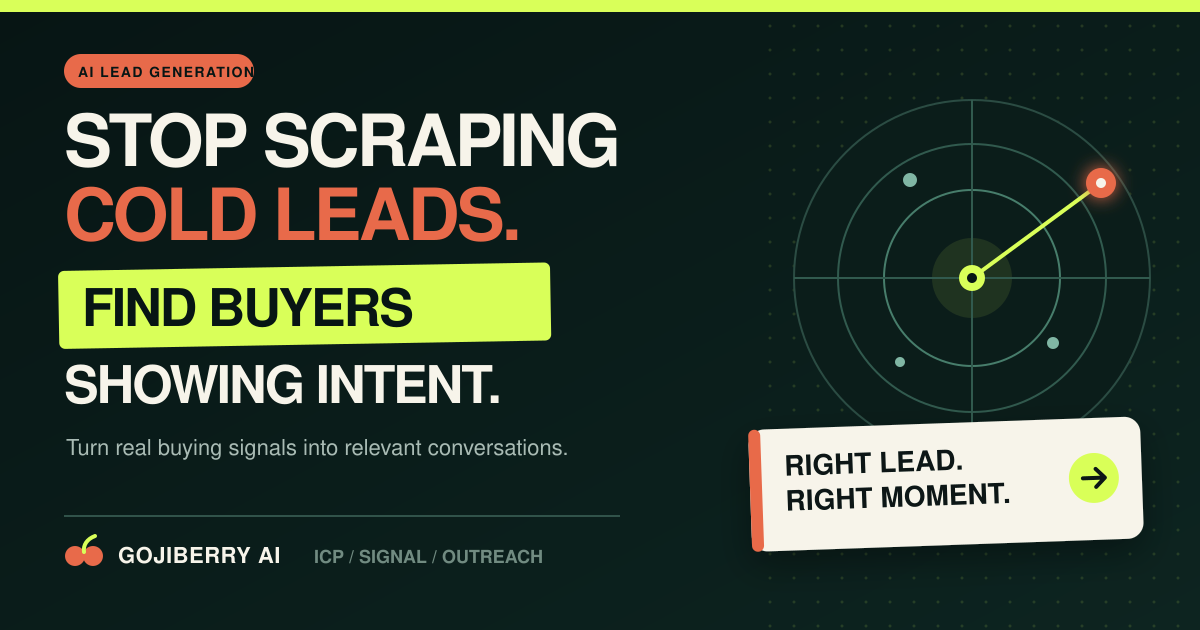
Finding leads is easy. Finding the right person at the right moment is the difficult part.
I have tested tools that can build large prospect lists, enrich company records, and generate outreach messages. The problem is that a large database does not tell me who is likely to care today. I can find hundreds of founders, sales leaders, or marketing managers, but most of them are still cold contacts.
What I wanted was a simpler workflow. I wanted to describe my business, define the type of customer I wanted, watch for useful buying signals, and contact only the people who had a real reason to speak with me.
Clay is an excellent tool for enrichment and custom data workflows. However, for this experiment I did not want to build a complex Clay table, connect several providers, and add another outreach platform. I wanted one agent that could find prospects from LinkedIn and the wider web, filter them against my ideal customer profile, and prepare the campaign.
That is why I tested GojiBerry AI.
I Started With My Website, Not a Complicated List
The first step was surprisingly simple. I entered my website and asked GojiBerry to create an agent.
The platform analyzed the site and extracted the information it needed to understand the offer. It identified the company, industry, product description, key features, and social proof. This created the initial context for the agent without making me copy the same information into several campaign fields.
This matters because an outreach tool cannot choose good prospects or write relevant messages unless it understands what I sell. A generic description produces generic targeting. A clear website gives the agent a better starting point, although I still recommend reviewing the result before continuing.
After the website analysis, I selected LinkedIn as my first outreach channel. GojiBerry also supports multichannel campaigns, but beginning with one channel made the test easier to understand.
I then selected my campaign objective: book qualified demos using a conversational tone. The alternative was to start warmer, lower-pressure conversations. Both can work, but the objective needs to match the value and price of the offer. If a product needs a proper demonstration, a demo-focused campaign gives the agent a clearer call to action.
The Agent Suggested My Ideal Customer Profile
Next, GojiBerry proposed an ideal customer profile based on the website. It suggested roles such as VP of Sales, Head of Growth, and Revenue Operations.
Instead of accepting the suggestions blindly, I treated them as a first draft. I could add or remove job titles, select industries and locations, define company size, and exclude groups that were not relevant. For example, I could exclude service providers or people marked as open to work.
This is the most important part of the setup. Intent signals cannot rescue a badly defined ICP. Someone may be very active on LinkedIn, but if their role, company, or market does not match the offer, they are still the wrong lead.
My rule is simple: define the customer first, then add intent.
I Added Signals That Made the List More Valuable
The next screen changed the process from ordinary prospecting into intent-based prospecting.
Instead of searching only by job title and company size, I could ask the agent to track people and companies showing specific signals. In my test, I selected:
profiles among the most active on LinkedIn
people who had recently changed jobs
companies that had recently raised funding
people engaging with keywords related to my market
people engaging with competitors such as Lemlist and Instantly
These signals gave me a reason to contact a lead now.
A new Head of Growth may be reviewing tools and processes. A funded company may be building its sales operation. Someone engaging with competitor content is already aware of the problem category. None of these signals guarantees a sale, but they provide better timing and better context than a static list.
GojiBerry let me preview the first five leads before launching the agent. The preview showed relevant Revenue Operations contacts in the United States, which gave me a quick way to check whether the targeting was moving in the right direction.
I could then return to the Sources and Signals sections to adjust the ICP, add competitors, add keywords, or change the buying events being tracked. This feedback loop is important. The first version of an outbound agent should be tested and refined, not left untouched for months.
The Agent Continued Finding Leads After Setup
Once I launched the agent, it began monitoring for new matches. In this test, the demo agent had already identified 21 prospects based on recent hiring and activity signals.
This is the part I liked most. I was no longer working with a list that became outdated as soon as it was exported. The agent could keep surfacing prospects based on the ICP and signals I had configured.
Inside the Contacts area, I could inspect each person and the reason they appeared. I could also enrich individual records to find business email addresses and phone numbers when available.
Enrichment is useful, but I would not enrich every person automatically. I would first confirm that the lead fits the ICP and has a relevant signal. This reduces wasted credits and keeps the list focused.
I Used AI to Prepare a Message for Each Lead
Finding the lead is only half of the work. The message still needs to explain why I am contacting that specific person.
Inside the campaign builder, I could choose between one fixed message for everyone and an AI-generated message for each prospect. The AI option allowed me to give clear instructions and use variables such as:
recent LinkedIn activity
the prospect's role
company context
the detected intent signal
the problem I solve
one simple call to action
This creates a much better starting point than inserting a first name into a generic template. If a person has just started a Revenue Operations role, the message can reference the transition. If the company has raised funding, it can connect the outreach to the likely need to scale.
I still review the generated messages before they are sent. AI can make an irrelevant assumption, use a weak compliment, or sound too confident about a signal. The tool saves research and drafting time, but I remain responsible for what leaves my account.
GojiBerry also offers a Claude integration that can help find warm leads, research prospects, write messages, and analyze campaign performance through natural-language requests. That is useful when I want to ask a direct question instead of moving through several dashboard screens.
I Built a Sequence Instead of Sending One Message
The campaign did not have to be a single connection request or cold email. I could add steps such as visiting a profile, liking a post, sending a LinkedIn message, adding an email, or following up later.
The goal is not to automate every possible action. It is to create a short, credible sequence that matches how a real person would start a conversation.
For a new campaign, I would begin with a conservative sequence:
Visit the prospect's profile.
Send a short connection request when relevant.
Follow up with a message connected to the detected signal.
Add an email step only for the best-fit prospects.
Stop the sequence immediately when the person replies.
Once the campaign is running, the main task moves to the inbox. That is where I can see replies, continue conversations, and identify people who are genuinely interested. Team members can also be added so replies do not remain hidden in one person's account.
Why This Was Easier Than My Usual Clay Workflow
Clay remains a powerful choice when I need highly customized enrichment, access to many data providers, or a complex workflow built around tables and formulas. I would choose Clay when the data operation itself is the main project.
GojiBerry felt more direct for this specific job because the workflow was already organized around four questions:
Who is my ideal customer?
What signal suggests they may care now?
What context should appear in the message?
What outreach sequence should run next?
I did not need a separate Clay subscription for this experiment. GojiBerry handled the prospect discovery, signal tracking, enrichment, personalization, campaign steps, and reply management in one place.
That does not make one platform universally better. It means GojiBerry was faster for the outcome I wanted: a focused, intent-based outbound agent without assembling a large sales stack.
What I Would Improve Before Scaling
I would never launch an agent at full volume immediately. I would first inspect the initial leads, read every generated message, and run a small batch.
I would check four things:
Are the job titles and companies genuinely relevant?
Is the intent signal recent and meaningful?
Does the message sound like something I would send personally?
Are the acceptance, reply, and positive-reply rates improving?
I would also respect LinkedIn's rules, applicable privacy laws, and local outreach requirements. Public professional data still needs to be handled responsibly. Automation should improve relevance, not create spam.
If the early replies are weak, I would not immediately increase volume. I would tighten the ICP, remove weak signals, shorten the message, and make the offer more specific.
My Final Take
This test changed how I think about lead generation.
The biggest advantage was not that GojiBerry could find more names. The advantage was that it connected targeting, timing, context, and outreach inside one agent.
Within a few minutes, I had analyzed the offer, selected an objective, defined the ICP, added intent signals, previewed leads, and launched an agent. From there, the system could continue finding prospects while I focused on reviewing messages and responding to real conversations.
If you currently spend hours searching LinkedIn, exporting lists, enriching contacts, and writing nearly identical messages, this is worth testing with a small campaign.
Start the GojiBerry free trial and build your first high-intent lead agent.
The free trial is enough to explore the workflow, preview leads, test enrichment, and see whether the prospect quality fits your business before you commit to a paid plan.
Frequently Asked Questions
Do I need a Clay subscription to use GojiBerry?
No. GojiBerry can be used as its own workflow for prospect discovery, intent tracking, enrichment, personalized outreach, and reply management. Clay may still be useful if you need a separate, highly customized data-enrichment system.
Can GojiBerry find leads from LinkedIn?
GojiBerry is designed to identify prospects using professional data and social or buying signals, then filter them against your ICP. It can also run LinkedIn and email outreach workflows. Always configure the automation conservatively and follow the platform's applicable rules.
What are high-intent leads?
High-intent leads are prospects who match your ideal customer profile and show a timely signal that may make your offer relevant. Examples include a recent job change, company funding, active hiring, engagement with industry content, or engagement with a competitor.
Does AI send every message automatically?
You can build AI-personalized campaign steps, but I recommend reviewing the targeting and messages before enabling automation. AI should accelerate good judgment, not replace it.
Is GojiBerry only for LinkedIn?
No. LinkedIn is a primary channel, but GojiBerry also supports email and multichannel outreach sequences, contact enrichment, campaign analytics, and inbox management.