10 Best AI Tools to Use in 2026 for Work, Coding and Marketing
AI tools are no longer useful only for generating text or answering questions. The best platforms in 2026 can research markets, plan software, write code, create visual content, automate repetitive work and run parts of a marketing operation.
AI tools are no longer useful only for generating text or answering questions. The best platforms in 2026 can research markets, plan software, write code, create visual content, automate repetitive work and run parts of a marketing operation.
The difficult part is no longer finding an AI tool. It is choosing tools that solve real problems without paying for several products that do the same thing.
This list covers ten practical AI tools for founders, developers, marketers and small teams.
1. ChatGPT: Best All-Purpose AI Assistant
ChatGPT remains one of the most flexible AI tools for everyday work. It can help you generate ideas, write content, analyze files, create images, research topics and solve technical problems.
A founder can use it to evaluate a business idea, prepare a customer proposal and analyze business data. Developers can use it for architecture discussions, debugging, documentation and code generation.
ChatGPT is a good starting point if you want one AI assistant capable of handling many different tasks. However, specialized platforms may provide better workflows for development planning, business automation and ongoing marketing.
Best for: Founders, developers and marketers who want a general-purpose AI workspace.
Website: https://chatgpt.com/
2. Claude: Best for Complex Analysis and Long-Form Work
Claude is particularly useful when a task requires careful reasoning, detailed writing or understanding a large amount of information.
It works well for reviewing technical specifications, analyzing contracts, improving articles, planning complex features and understanding unfamiliar codebases.
Claude Code can inspect a project, edit files and complete development tasks. However, it still needs clear requirements, proper tests and human review.
The more structured your instructions are, the more reliable the final result will be.
Best for: Long documents, technical analysis, complex reasoning and multi-file development tasks.
Website: https://claude.ai/
3. Perplexity: Best for Research With Sources
Perplexity is an AI research engine that searches the internet and provides visible sources for its answers.
It is useful for competitor research, market validation, product comparisons, technical research and checking information that may have changed recently.
Its research features can perform multiple searches, analyze the results and produce a structured report. This can significantly reduce the time required to understand a new market or subject.
You should still verify important information using primary sources, especially when making financial, medical or legal decisions.
Best for: Research, fact-checking, competitor analysis and finding current information.
Website: https://www.perplexity.ai/
4. Vibe Coder Planner: Best for Turning Ideas Into Buildable Projects
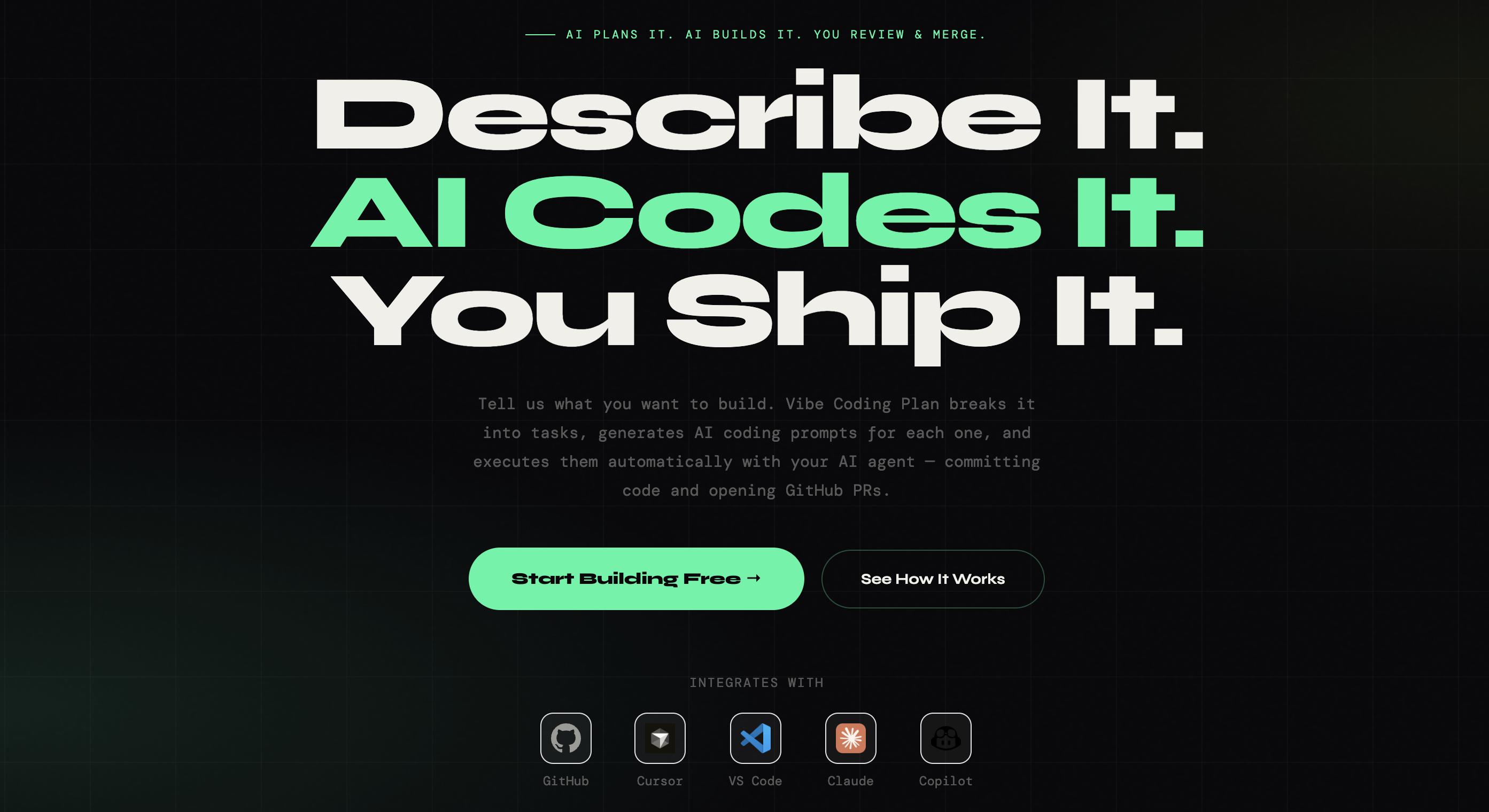
Vibe Coder Planner solves a major problem that general AI chatbots and coding tools often leave to the user: deciding what should be built, in what order and with which context.
You start by describing your product idea. Vibe Coder Planner transforms it into structured milestones, development tasks and focused prompts for each part of the project.
It can classify task complexity, recommend an appropriate AI model, maintain project context and organize development through a Kanban board. It also supports GitHub integration and PRD exports.
This is important because one enormous prompt rarely produces production-ready software. Requirements get missed, features contradict each other and the AI wastes tokens trying to understand the entire project at once.
Vibe Coder Planner creates the planning layer before code generation. You can then complete the individual tasks using Cursor, Claude, ChatGPT, GitHub Copilot or another coding agent.
This produces a more controlled workflow with clearer progress and code that is easier to review.
Best for: Solo developers, vibe coders, agencies and founders who want to transform an idea into a structured development plan.
Website: https://vibecoderplanner.com/
5. Cursor: Best AI-First Code Editor
Cursor brings AI agents directly into a familiar code editor. It can understand your repository, modify multiple files, run commands and help complete larger development tasks.
It is effective for implementing features, fixing bugs, creating tests, refactoring code and exploring unfamiliar projects.
Cursor works best when the task already has a clear goal and acceptance criteria. This makes it a strong companion to Vibe Coder Planner.
Vibe Coder Planner structures the project and creates focused tasks. Cursor then works directly on the codebase to implement them.
AI-generated code should still pass tests, linting, security checks and human review. Cursor accelerates development, but it should remain part of a proper engineering workflow.
Best for: Professional developers and technical founders who want agentic coding inside their editor.
Website: https://cursor.com/
6. GitHub Copilot: Best for AI Inside the GitHub Workflow
GitHub Copilot provides contextual AI assistance throughout the software development process.
It can suggest code inside supported editors, answer questions about a project, explain existing code and help developers work with GitHub issues and repositories.
Copilot is a strong choice for teams whose development process already revolves around GitHub. It can assist with routine code, tests, documentation and pull request workflows.
Cursor and GitHub Copilot offer some overlapping features, so many developers will not need both.
Choose Cursor if you want an AI-first editor with more agentic workflows. Choose GitHub Copilot if you want AI assistance integrated into your existing IDE and GitHub process.
Best for: Development teams already using GitHub and established IDE workflows.
Website: https://github.com/features/copilot
7. Canva AI: Best for Creating Visual Content
Canva AI makes AI-powered design accessible to people who are not professional designers.
It can generate layouts, text, visual elements and templates from a prompt while keeping the final design editable inside Canva.
This is important because fully generated images are often difficult to correct when the text, spacing or branding is wrong. Canva lets you edit the design, resize it for different platforms and apply your brand style.
Small businesses can use Canva AI to create social media graphics, presentations, advertisements, thumbnails and promotional videos.
It does not replace an experienced designer for complex branding projects, but it can significantly accelerate everyday marketing production.
Best for: Social media graphics, presentations, advertisements and branded content.
Website: https://www.canva.com/canva-ai/
8. Notion AI: Best for Organizing Company Knowledge
Notion AI combines documents, project information and AI inside one workspace.
It can answer questions using your company knowledge, create and edit pages, summarize information, capture meeting notes and assist with recurring tasks.
This is more useful than a separate chatbot when your important information already exists inside Notion.
A team can ask for a project update, summarize decisions from several documents or create a report without manually collecting all the information.
Notion AI works best when your workspace is properly organized and regularly updated. AI cannot reliably improve information that is missing, duplicated or outdated.
Best for: Internal knowledge, meeting notes, project documentation and team workflows.
Website: https://www.notion.com/product/ai
9. Zapier Agents: Best for Connecting AI to Business Applications
Zapier Agents allows businesses to create AI agents that work with company knowledge and perform actions across connected applications.
For example, an agent can collect information from a form, update a CRM, prepare a personalized response and notify the correct team member.
Another agent could review incoming leads, enrich their information and send qualified opportunities to the sales team.
Zapier is valuable because the AI is connected to real actions instead of only providing answers inside a chat.
Start with one repetitive process. Define the trigger, the expected result and the applications involved. Add human approval before allowing AI to perform actions that affect customers, payments or important company records.
Best for: Cross-application workflows, lead management and repetitive business operations.
Website: https://zapier.com/agents
10. AutoMarketing AI: Best for Consistent Small-Business Marketing
AutoMarketing AI is designed for small businesses and teams that do not have the time or budget to coordinate multiple marketing specialists and disconnected AI tools.
Instead of offering only another AI text generator, the platform uses specialized marketing agents that share a central Brand Brain.
These agents can help plan campaigns, create brand-aware content, generate videos, schedule posts, monitor conversations, find leads and support advertising management.
The business remains in control by reviewing and approving the generated work.
The shared Brand Brain is an important advantage. When separate tools are used for posts, videos and campaign ideas, the business must repeatedly explain its products, audience and preferred tone.
AutoMarketing AI gives its agents access to the same business context. This helps keep marketing consistent across different platforms and campaigns.
It is a practical solution for founders who understand that marketing must happen every week but cannot spend hours moving content between AI chats, documents, design tools and scheduling platforms.
Best for: Small businesses, solo founders and lean marketing teams that need a repeatable marketing system.
Website: https://automarketing-ai.com/
Which AI Tools Should You Actually Use?
You do not need all ten tools. Your ideal AI stack depends on the work you perform repeatedly.
For general business work, start with ChatGPT or Claude. Add Perplexity when you need current research with visible sources.
For software development, use Vibe Coder Planner to transform your idea into milestones and focused tasks. You can then implement those tasks using Cursor or GitHub Copilot.
For content production, Canva AI can create visual assets while AutoMarketing AI manages campaign planning, brand context, publishing and monitoring.
Add Notion AI when your team needs shared knowledge. Use Zapier Agents when information needs to move automatically between several business applications.
The winning approach in 2026 is not collecting the largest number of AI subscriptions. It is building a small, connected workflow in which every tool has a clear purpose.
Start with your biggest bottleneck. Choose one tool that addresses it and measure whether it saves time or improves results. Only add another platform when there is a clear reason to do so.
When used this way, AI stops being a collection of disconnected tools and becomes a practical system for building, managing and growing a business.